Shader Mode — Adjust Color Ramp → Real-time 3D preview
Matcap Painter
Real-time Matcap texture creation + 3D preview
Side Project · Three.js WebGPU · JavaScript · Canvas 2D · tomlim2.github.io/matcap-painter
Motivation
Creating Matcap textures for the in-house NPR Shading & Look Development required repeated editing in Photoshop and importing into the engine. I built a real-time authoring tool to preview the 3D result while adjusting effects such as metallic reflections and hair highlights.
Solution
Shader Mode — Create from scratch
A Blender Color Ramp-style UI for real-time control of Toon Ramp, Specular highlights, and Outline. Drag band count and boundaries to see instant updates in the 3D preview.
Paint Mode — Edit existing textures
Non-destructive editing with 8 Photoshop-style layers, based on 229 curated presets from an open-source library (nidorx/matcaps). Adjust HSV, Contrast, and Lift while previewing results in real time.
Paint Mode — Preset library + layer editing
The Matcap texture updates in real time on a sphere, torus, or GLB model, letting artists check changes in texture and highlights in the 3D preview before importing into the engine again.
I used the tool for the metal parts of a belt and the plastic appearance of a base wooden mannequin’s torso, and shared it with the character team for use in their work. The focus was seeing the 3D result immediately as editing values changed.
Result
| Category | Result |
|---|---|
| Workflow | Texture editing and 3D preview in one tool |
| Shader Mode | Real-time Toon Ramp / Specular / Outline generation |
| Paint Mode | 229 presets + 8-layer non-destructive editing |
| Dev Time | 4 days |
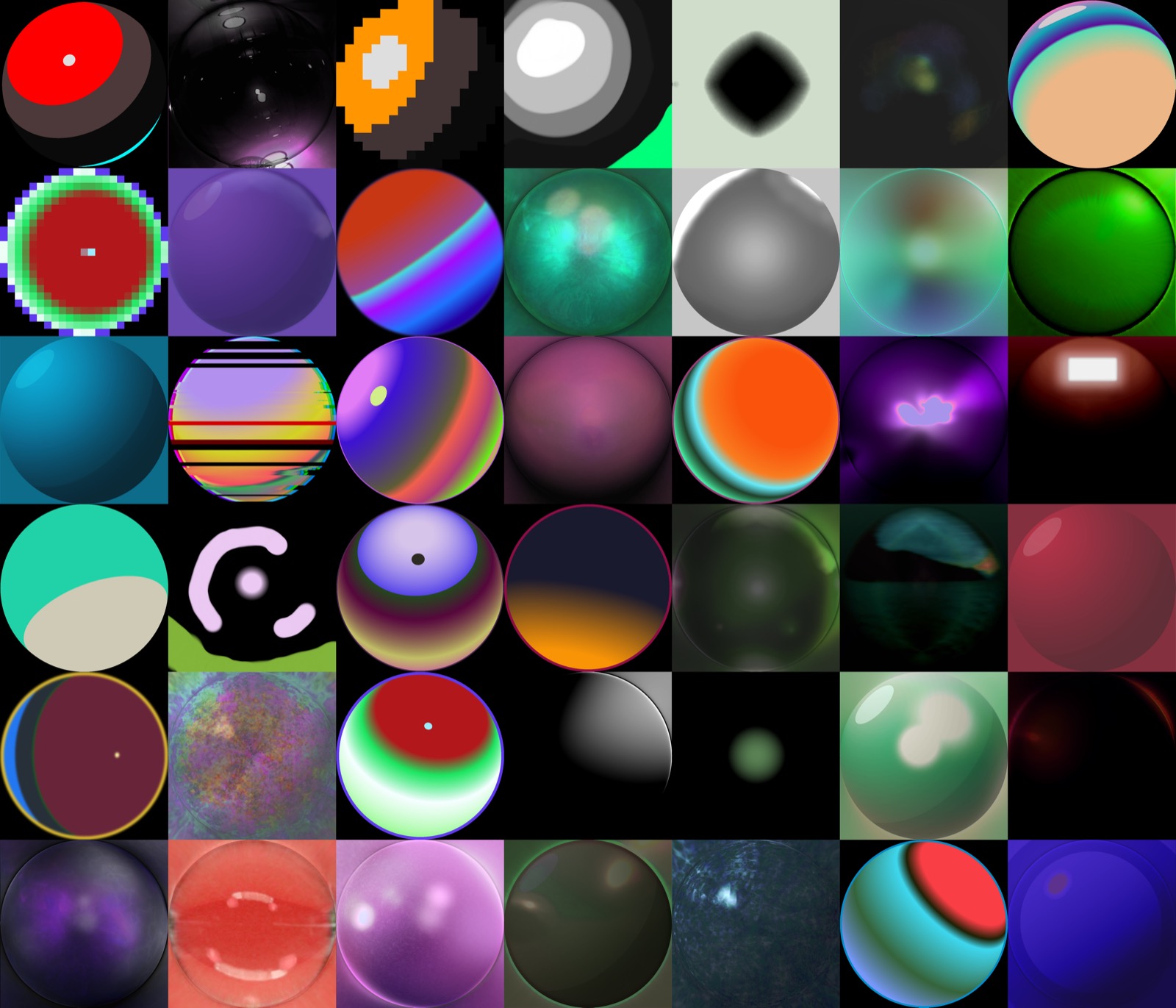
229 presets from nidorx/matcaps